

Activity log
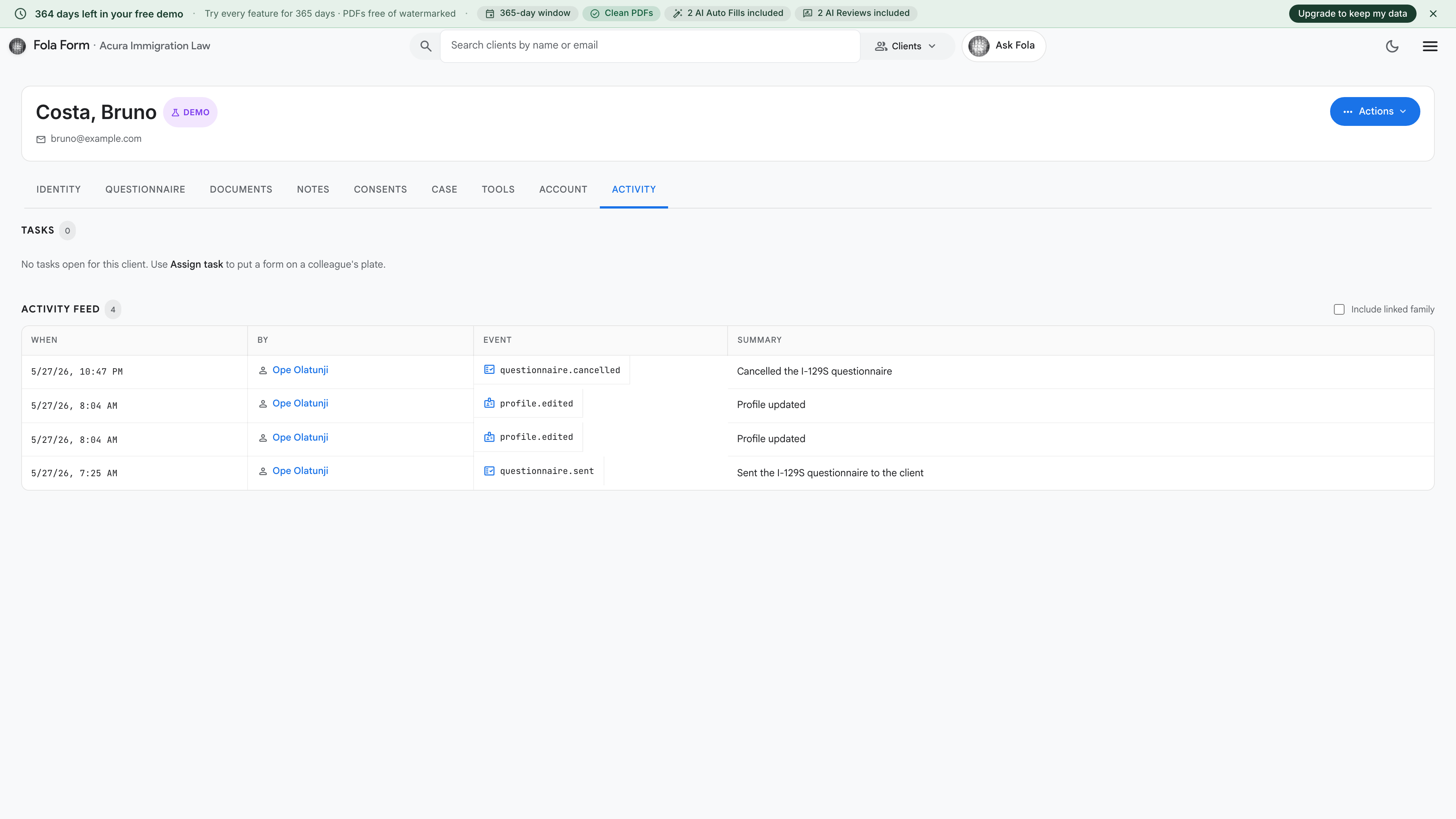
The Activity log is the audit trail for one client. Every event that touches them — a field edit, a form fill, a document upload, a portal login — lands here with a timestamp and who did it.
What gets logged
Section titled “What gets logged”Categorized by event type. You can filter the view by any of these:
- Profile edits — who changed what, with before/after values
- Form fills — which form, which member ran the fill, when
- AI runs — every Ask Fola chat that touched this client, every AI Autofill, every Attorney Level Intelligence Review
- Document uploads + downloads — including who downloaded what
- Intake submissions — when the client submitted via an intake link
- Case status changes — open → in progress → filed → receipted
- Consent signings — every signed engagement letter, retainer, etc.
- Member access — who viewed the profile, useful for audits where you need to prove who saw what
- Portal logins — if you’ve given the client their own account, every login lands here
Common things to look up here
Section titled “Common things to look up here”The audit log is often boring — which is good. The times you’ll actually need it:
- “Who changed Maria’s address?” — filter by Profile edits
- “When did we receive that I-130 receipt notice?” — filter by Document uploads
- “How many AI runs have we billed against this client this month?” — filter by AI runs
- “Did the client log in last week?” — filter by Portal logins
- “Has anyone outside our practice area accessed this client?” — filter by Member access
Exporting
Section titled “Exporting”Click Export as CSV to download the full filtered log. Use this for:
- End-of-month internal audits
- Bar-association complaint responses (“here’s exactly who accessed the client’s file when”)
- Building an RFE timeline of when each piece of evidence arrived
Retention
Section titled “Retention”Activity log entries are kept for the lifetime of the client. If the client is archived, the log freezes (no new events, but old ones are preserved). If the client is permanently deleted, the log is deleted with them.
End of the tour
Section titled “End of the tour”That’s every tab on the client page. Bookmark Overview and use it as your jumping-off point any time you forget where something lives:
Was this page helpful?
Thanks — noted.