

Day 6 — Credentials for everyone
USCIS forms have signature blocks that demand specific facts about the preparer — bar number, jurisdiction, address, phone. Today we make sure every member of your firm has those credentials captured once so they flow into every filing automatically.
The credentials page
Section titled “The credentials page”Open My Credentials from the workspace nav. Each member has their own; the page only shows the signed-in user’s record.
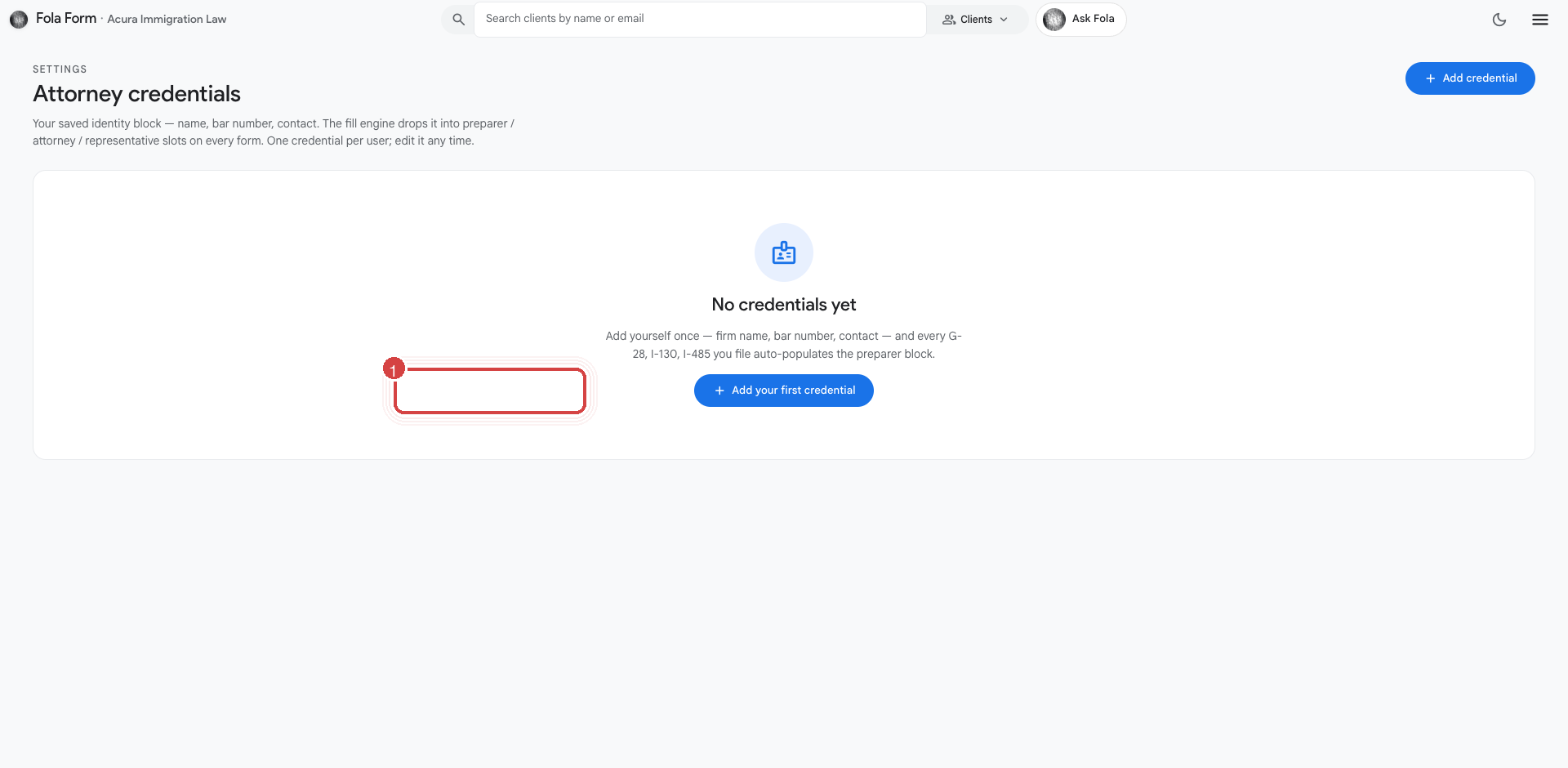
Fields to fill in (depending on role):
- Full legal name — exactly as it appears on your bar license
- Bar number + jurisdiction — for attorneys; paralegals can leave these blank
- USCIS rep type — attorney, accredited representative, law student, none
- Direct phone + direct email — the channels USCIS will use to contact the preparer
- Mailing address — your office address, populated from the org defaults but editable per person
- Signature — drawn on a canvas pad, used on G-28 and other forms that need a wet-style attorney signature
What happens when credentials are missing
Section titled “What happens when credentials are missing”If an attorney tries to render a G-28 without a bar number, Ask Fola will refuse — politely — and tell them which field is missing. The fix is to fill in their credentials page, then retry. The refusal is deliberate: an unsigned G-28 with a blank bar number is worse than no G-28 at all because USCIS will reject the entire filing.
For paralegals running an autofill on a form that requires attorney credentials (G-28, I-129 letterhead block, mandamus complaint), Fola prompts to pick which attorney at the firm should be named, then pulls that attorney’s credentials in.
Admin-side: filling credentials for someone else
Section titled “Admin-side: filling credentials for someone else”If a member can’t get to their credentials page (in trial, on vacation, hasn’t logged in yet), an org admin can fill them in on their behalf:
- Open Settings → Members → [their row].
- Click Edit credentials.
- Fill in everything you have. Save.
The member can still edit later; admin edits don’t lock the record.
PDF password lock
Section titled “PDF password lock”One more credentials-adjacent feature worth turning on today:
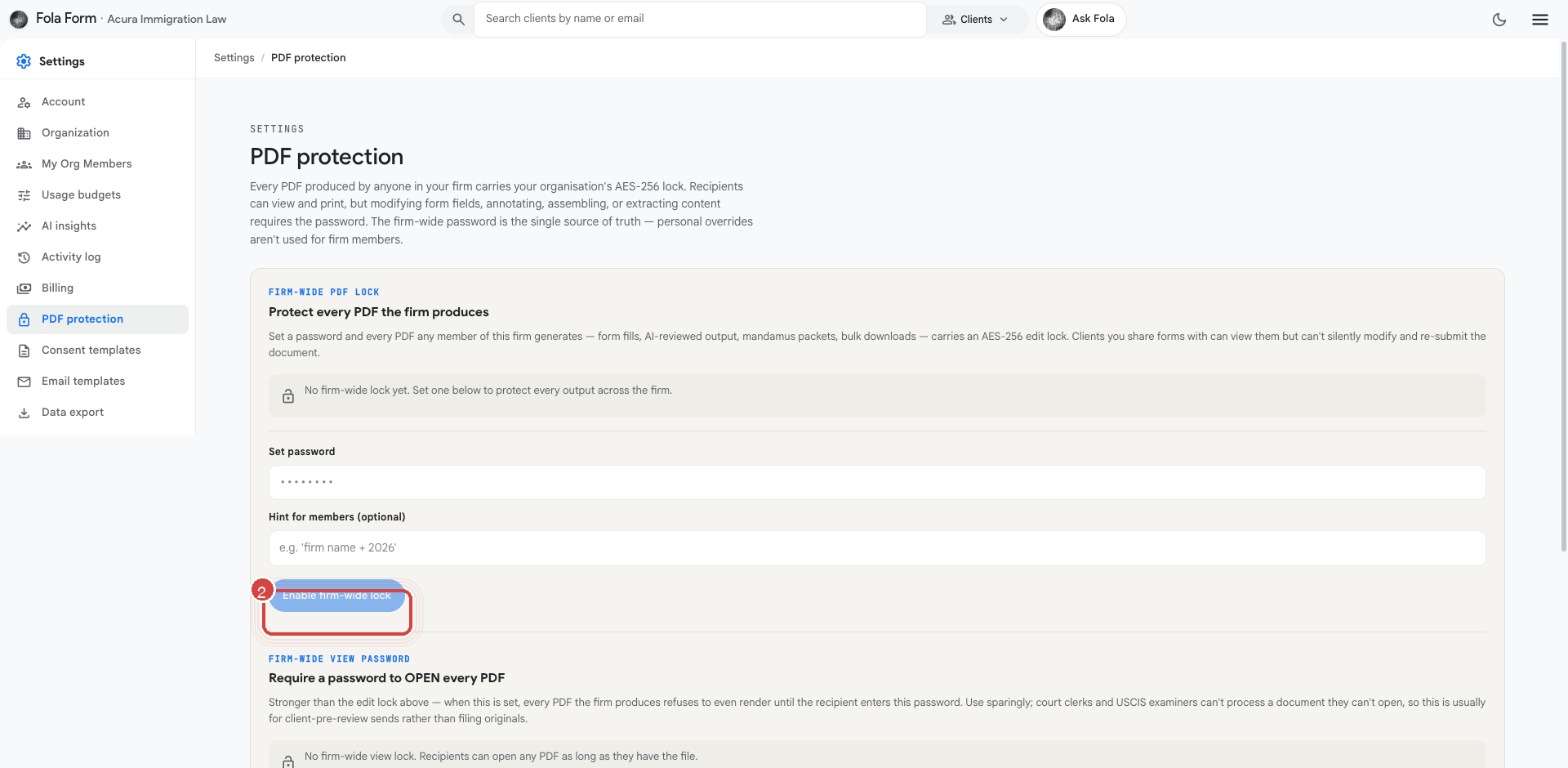
Under Settings → PDF lock, set a firm-wide password. Every PDF Fola generates after that point is encrypted with the password — clients can open and view, but can’t edit the document and re-submit a tampered copy.
The password is rotated only by admins, and only after explicit confirmation. We recommend turning this on once the firm is past demo-evaluation and into real client work.
What’s next
Section titled “What’s next”Every member of your firm now has credentials wired up. Tomorrow — the last day in the series — we tune your AI budget so the right people have room to do the work that needs doing.
Was this page helpful?
Thanks — noted.