

How do I add a client?
A client in Fola is a single structured profile that holds identity, family, employment, immigration history, tax history, and disclosures — everything every form pulls from. Adding one takes ~10 seconds.
Open the workspace menu
Section titled “Open the workspace menu”From any workspace page, click the menu icon at the top-right of the screen, then click + New client at the top of the menu.
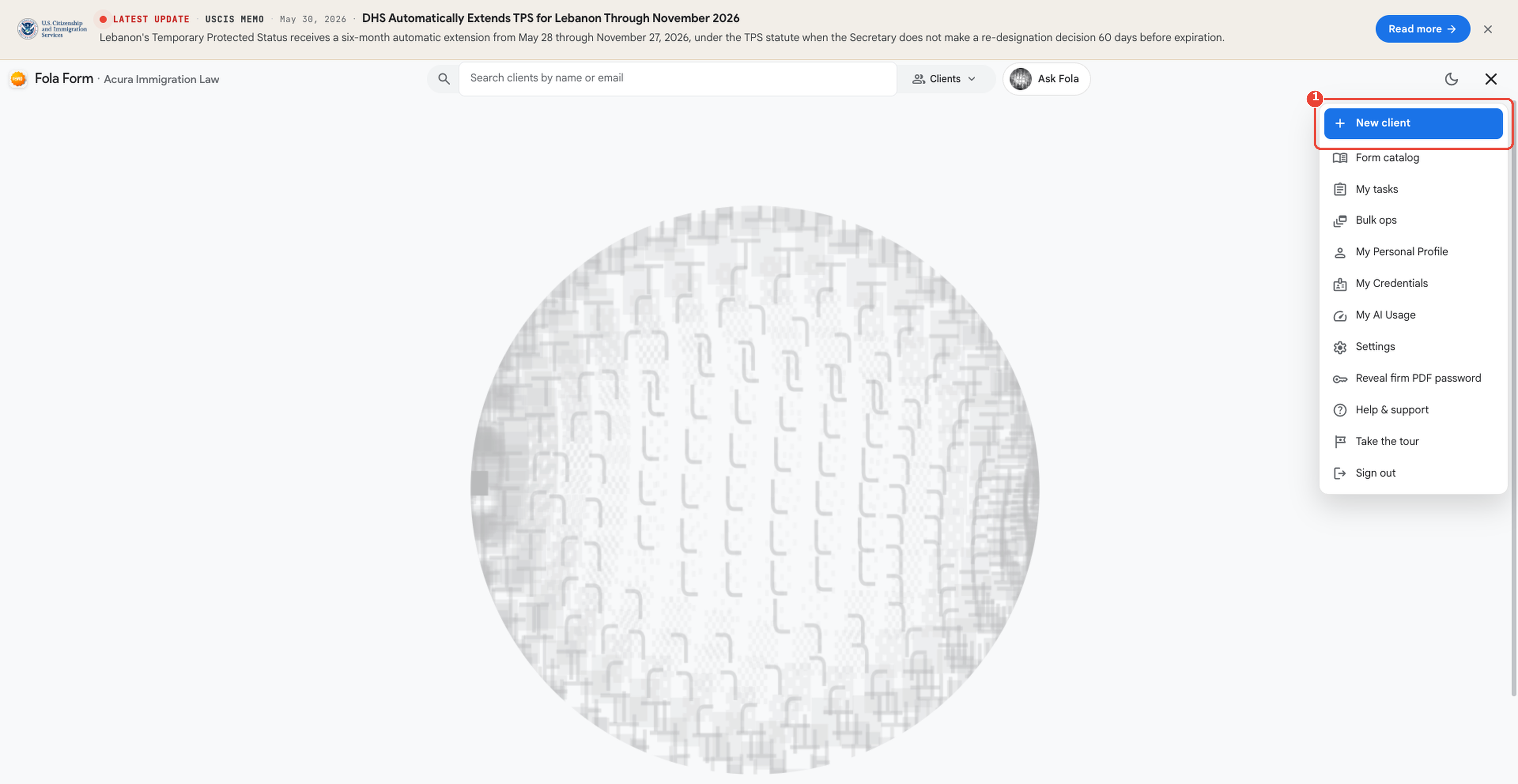
The menu is reachable from every page in the workspace — clients, forms, billing, settings — so you can start a new client without losing your place.
The minimum to create a profile
Section titled “The minimum to create a profile”The Add-client dialog asks for:
- Legal name — given + family
- Email — used for intake-link emails later
- Date of birth (optional, unlocks autofill for several forms)
That’s it for the create step. Once the profile exists, you can layer on identity (A-number, SSN, passport), addresses, family members, employment, education, immigration history, and disclosures from the client-detail page — or send the client an intake link and let them fill it in themselves.
Where to go next
Section titled “Where to go next”- Client details — overview — the tabbed page each client gets.
- Day 3 — Your first client — the long-form walkthrough including intake links.
Was this page helpful?
Thanks — noted.